Describe what the sound system must do
Start with the event's sound tasks: a welcome speech, awards announcements, recorded music, a video soundtrack or a question-and-answer session. List the tasks separately, even if they all happen at one event. A short speech from a fixed position is different from several speakers moving around the room or music expected to fill a dance area. The rental team needs that context to advise on suitability.
The catalogue lists a Fender PA sound system with microphone. It does not establish a particular model, power rating, audience capacity, wireless feature or number of available inputs. Ask for the exact system details before deciding that it will meet every part of your programme. The words sound system are not a guarantee of compatibility with every phone, computer, instrument or venue.
Write a simple audio brief with the venue, indoor or outdoor setting, room dimensions, approximate audience layout and what guests need to hear. Include background noise such as a working kitchen, an adjoining event or traffic. Explain whether there will be an experienced operator or a volunteer. A realistic brief is more useful than asking only whether the system is loud enough for a certain number of people.
Match the plan to the room and audience
Look at the shape of the audience area, not just its floor size. A long narrow room, a wide hall and a group seated around tables create different listening conditions. Hard surfaces can make speech harder to understand, while a busy reception adds background conversation. More volume is not always the right answer if the sound is unclear or uneven across the room.
Prepare a sketch showing the speaking position, audience seating and possible speaker locations. Identify where power is available and where people will walk. The sound equipment should not block exits, service routes or accessible places. Ask the rental team to review the proposed arrangement and whether the supplied system is appropriate. Do not use a generic maximum guest count from an unrelated Fender model as the basis for your order.
Plan to listen from several positions during the rehearsal, including the back and sides. A speaker may hear the system clearly from the front while guests farther away struggle. For an event with a particularly demanding room, outdoor coverage or multiple sound zones, explain that early. The right outcome may require a different arrangement or specialist support rather than expecting one portable system to solve every acoustic problem.
Confirm the equipment and accessories explicitly
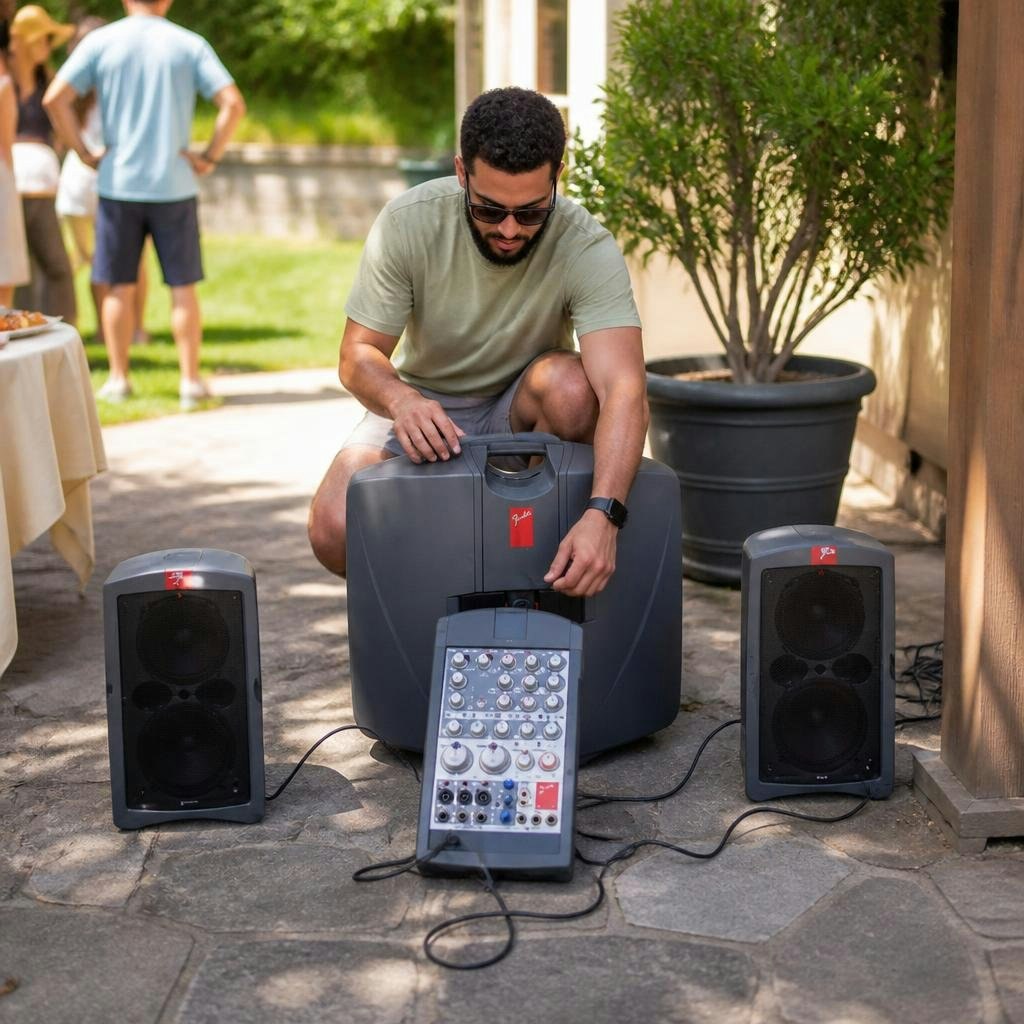
Ask for a list of what comes with the system: the microphone, speakers, mixer or amplifier components, power leads, appropriate audio cables and any stands. Confirm each item rather than assuming it is included because another hire package had it. The catalogue states that a microphone is included, but it does not specify whether it is wired or wireless or identify all accessories.
Check packed dimensions, transport and setup responsibilities. A portable system still needs suitable handling, storage and a stable operating position. Ask whether you will receive a demonstration and the correct manual for the exact model. Fender's official audio-manual archive covers many different systems, which is a useful reminder that instructions and connection options vary across the range.
If your event needs a second microphone, a hands-free presenter or a separate source for audience questions, discuss it before booking. Do not assume spare inputs, extra microphones or compatible wireless equipment are available. Record the confirmed configuration on your event sheet so another organizer does not add a new requirement later without review. The simplest dependable setup is usually the one whose equipment and responsibilities have been agreed in advance.
Check playback-device compatibility before arrival
Identify the exact device that will play music or video: a particular laptop, phone or other source. List its available audio outputs and any adapters it requires, then compare them with the confirmed PA inputs. Do not assume that a connector which physically fits is suitable for the intended signal. Ask the team to confirm the correct cable path and settings for the equipment involved.
Bluetooth, USB playback and wireless microphone support are model-dependent features, not assumptions to make from the Fender name. If wireless playback is available and approved for your setup, still test it at the venue with the actual device. If a wired connection is planned, confirm the appropriate cable and adapter before the day. Keep the device charged and arrange suitable power without obstructing walkways.
Prepare the audio files and presentation in advance. Use files you have permission to play and make sure they are available without relying on an untested network connection. Turn off disruptive notifications where appropriate and check that the intended application sends sound to the correct output. A successful test means playing the actual clip through the complete system, not merely seeing a device name appear in a connection menu.
Place equipment with the event team
Use the supplied setup instructions and the rental team's guidance for speaker and microphone positioning. Keep the speakers aimed toward the listening area and avoid arrangements where a microphone is directed into a speaker's output. The exact placement depends on the supplied system and the room, so treat a generic layout diagram as background information rather than an instruction for every venue.
Place equipment on approved, stable supports and use appropriate stands only if supplied or confirmed as compatible. Do not balance a speaker on a stack of chairs, a decorative pedestal or an unreviewed table arrangement to gain height. Keep the area around stands and cables clear, and coordinate the setup with the venue so guests do not encounter unexpected obstacles when entering the room.
Allow ventilation and follow the equipment's power and environmental requirements. Outdoor plans need an explicit suitability review and protection arrangements; a forecast that looks favourable does not make indoor equipment weatherproof. Do not add improvised coverings that interfere with operation or cooling. Keep drinks away from electronics, and decide who will monitor the system throughout the event rather than leaving it accessible to anyone who wants to adjust a control.
Build a useful sound check
Rehearse with the microphone in the position and manner in which it will be used. A quick test from beside the mixer does not represent a presenter speaking from the front of the room. Follow the actual manual and demonstration for setting levels, bringing them up cautiously. Have another person listen from audience positions and report whether speech is understandable, not simply whether it is audible.
Test each source separately: the microphone, music and any video soundtrack. Different recordings can have different levels, so avoid setting everything from one loud clip and assuming the rest will match. Check the beginning and end of files, pauses between them and the transition back to speech. Give the operator a simple cue list so playback starts at the right point rather than while the presenter is still introducing it.
Repeat a short check after furniture and other equipment are in place. A layout changed by the caterer or event team can affect access and the intended speaker position. Keep the final arrangement documented and avoid moving components casually after the check. The purpose of rehearsal is to discover problems while there is time to solve them, not to demonstrate that every control can be turned up.
Help presenters use the microphone consistently
Give each presenter a short practical briefing before guests arrive. Show them the microphone and the position from which they will speak, and let them practise at a natural speaking level. Ask the operator to demonstrate suitable handling for the supplied microphone. Consistency matters: changing the distance dramatically or turning away while talking can make the audience lose important words.
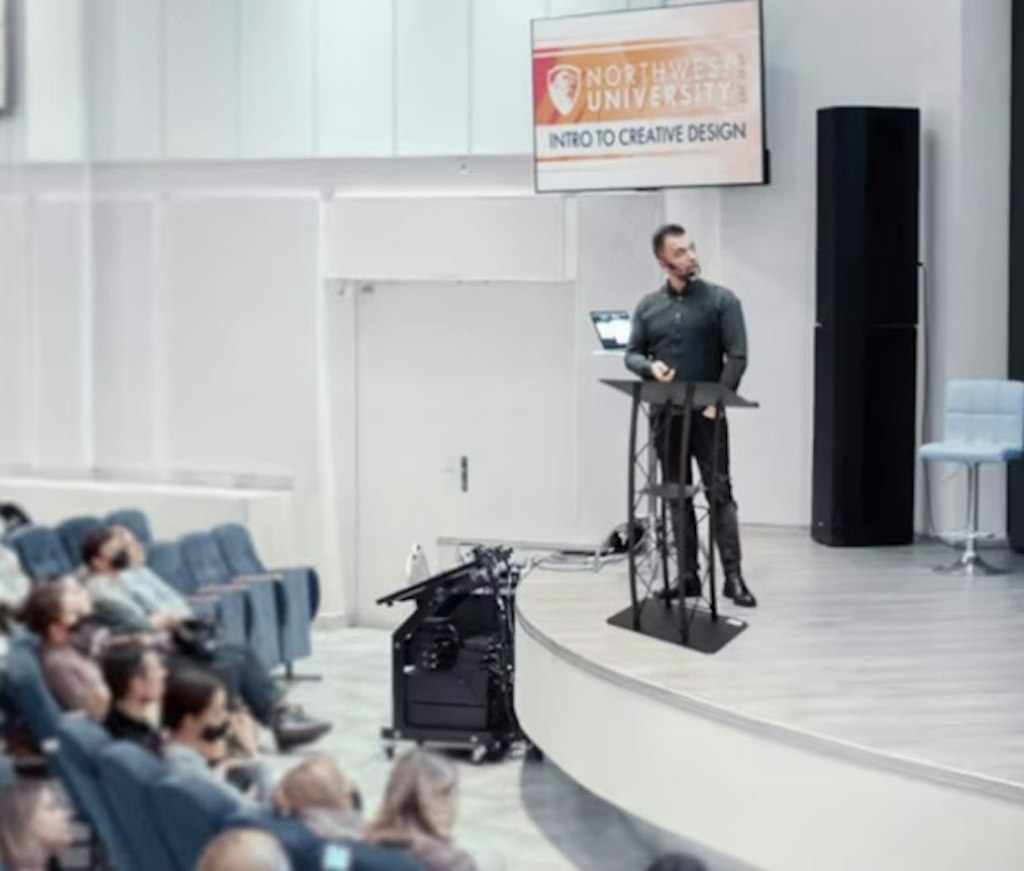
If a lectern podium is part of the presentation area, confirm how the presenter and microphone will work together. Do not assume the podium includes a microphone mount or audio connection. A person reading notes, holding a microphone and changing slides may need a simpler arrangement or an assistant. Rehearsal makes that obvious before the programme starts.
For questions, decide how the audience will be heard. Passing a microphone requires a clear process and any needed equipment; shouting from the back and expecting the PA to capture it is not a plan. The presenter can repeat a question when appropriate, or the organizer can arrange a suitable microphone process after confirming the system's capabilities. Include these transitions in the schedule so everyone knows what happens between speakers.
Respond to feedback and faults calmly
Feedback is the harsh ringing or howling that can occur when amplified sound is picked up again by a microphone. If it occurs, reduce the relevant level promptly using the procedure demonstrated for the system, then review microphone and speaker positions with the responsible operator. Do not respond by turning every control up or asking the presenter to shout over it.
For no sound, begin with the simple checks allowed by the supplied instructions: the intended source, mute or level settings and the confirmed connections. Make adjustments systematically, one at a time, so you know what changed. Do not unplug unfamiliar connections at random or substitute cables solely because the ends look similar. If the problem is unresolved, contact the rental team rather than opening equipment or attempting a repair.
Have a fallback appropriate to the event. A small gathering may pause while a host explains the delay; a critical presentation may need a separately arranged backup or technical support. Decide this before the programme begins. Avoid promising guests that sound will resume immediately when the cause is unknown. A calm operator and a clear plan are more useful than several helpers changing settings simultaneously.
Coordinate sound with screens, seating and service
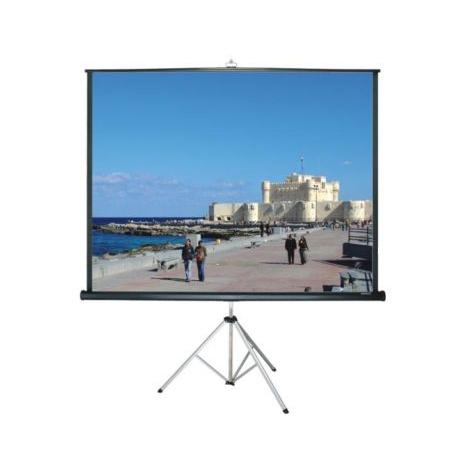
Sound does not operate separately from the room layout. A portable projector screen may be part of the event, but it is screen only and does not establish a projector or audio connection. If a video is shown, test the picture and sound together with the actual source device. Confirm whether the soundtrack reaches the PA through the intended connection and whether the presenter can still be heard when needed.
A rental table may be useful for an operator's workspace if suitable for the equipment and setup, but keep it separate from food and drinks. Plan where the laptop, notes and approved components will sit, leaving required ventilation and cable access. Do not let a service table become an electronics table during the event without reviewing the arrangement.
Position guest seating so people can hear and see without equipment creating obstacles. Tell servers when speeches or videos occur, and coordinate noisy service activities where possible. A clear audio plan can be undermined by a busy buffet immediately beside the microphone. Share the programme with the venue and caterer so the whole room supports the moments when guests need to listen.
Finish with a confirmed request and return plan
Send the rental team your audio brief, event date, venue, approximate audience layout and list of sources. Ask for the exact Fender model, included microphone and accessories, connection advice and confirmation that the proposed use suits the system. Identify any unresolved requirements, such as a second microphone or outdoor operation, rather than assuming they can be added on arrival.
Confirm pickup or delivery, setup responsibility and support arrangements. Keep the correct instructions and rental contact available to the operator. Make a simple equipment checklist for both receipt and return, including cables and small accessories. Label your own adapters separately so they are not confused with rented components, but do not apply labels to rental equipment without approval.
At the end, follow the supplied shutdown and packing instructions, allow any required cooling and protect the equipment during transport. Report faults or damage honestly so the team can inspect them. A well-planned PA rental is not defined by its loudest setting. It is defined by clear speech, dependable playback and an organizer who has matched the actual equipment to the room, the programme and the people using it.
Further reading & sources
Check current instructions and requirements for your event and the equipment supplied.